RealPlayer
RealNetworks LLC
Downloads
500,000+
Source
Google Play
Advertisement
Click to download now, finish the installation quickly, and directly unlock the all-round experience
Advertisement
Screenshots
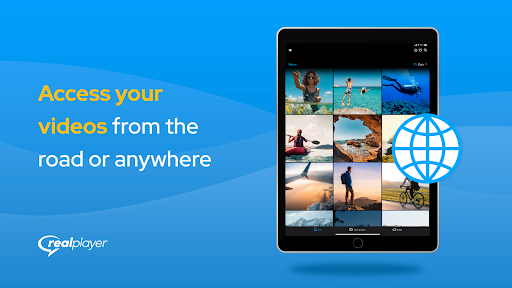
Click to download now, finish the installation quickly, and directly unlock the all-round experience
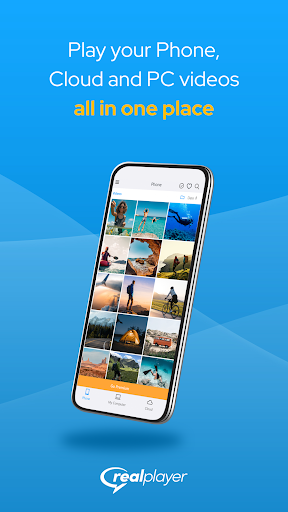
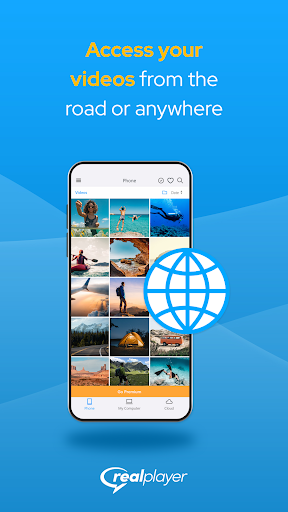
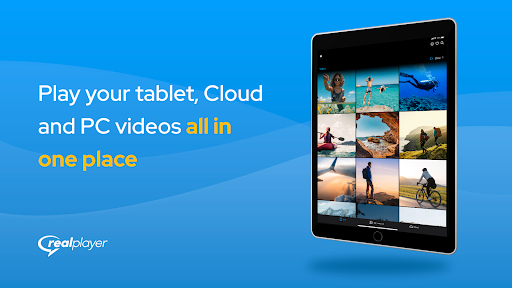
RealPlayer plays videos on your phone and can connect them with a RealPlayer library on a PC or in the cloud. It is a fit for people who already use RealPlayer on a computer and want to reach, move or watch video files across devices. As a standalone player, it also offers playback controls such as adjustable speed and a dark mode.
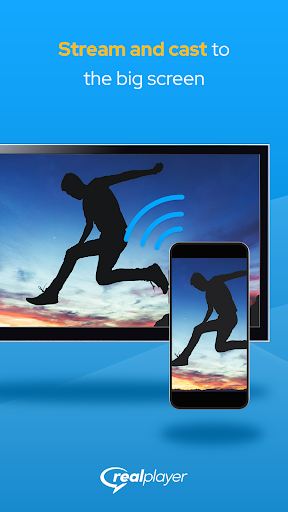
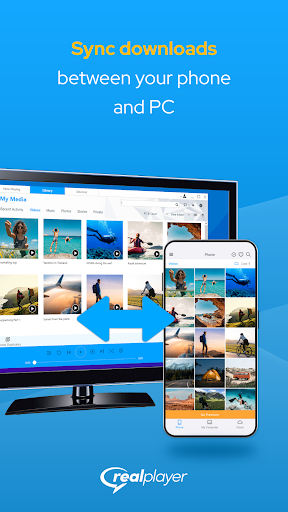
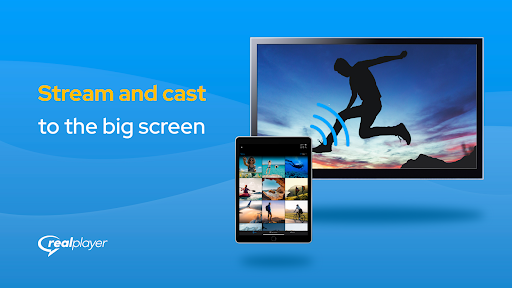
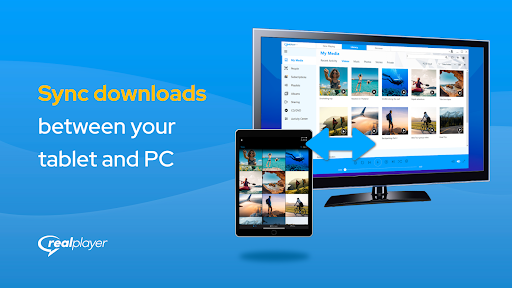
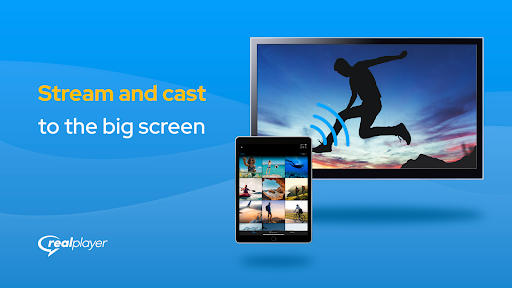
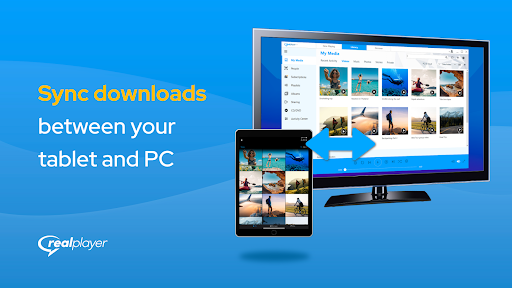
The app can sync videos between a phone and a PC, and lets you save files for offline viewing. You can browse folders and select multiple files at once. For viewing beyond the phone, RealPlayer supports casting video to Chromecast or AirPlay devices. These options make it more than a local player, though the connected features are most useful if you have other RealPlayer services or devices in the mix.
Remote access to a PC library and streaming from a PC or RealPlayer Cloud are among its connected uses. The app also offers cloud backup and in-app subscription options for additional services. Those features mean RealPlayer may ask for more account setup than someone looking only for a simple player. The listing does not specify which capabilities are available without a subscription, so check the app’s current terms if you need a particular one.
RealNetworks LLC develops RealPlayer in the Video Players & Editors category. It has a 4.13 rating from 7,072 ratings and 500,000+ installs. That gives a quick sense of its reach, but the main question is whether you want its PC and cloud links: if not, many of its extra tools may be unnecessary.