
Advertisement
Click to download now, finish the installation quickly, and directly unlock the all-round experience
Advertisement
Screenshots
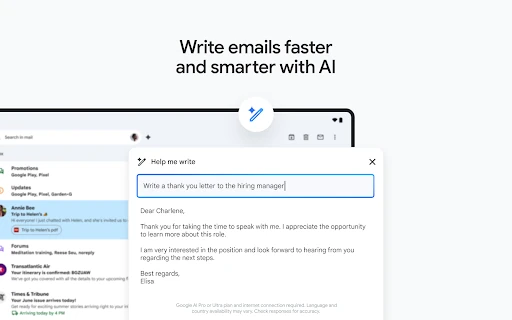


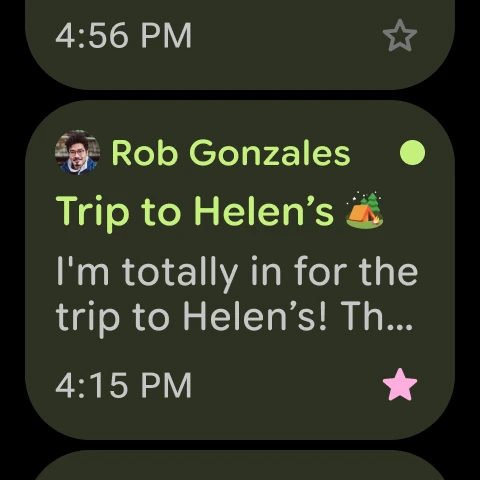


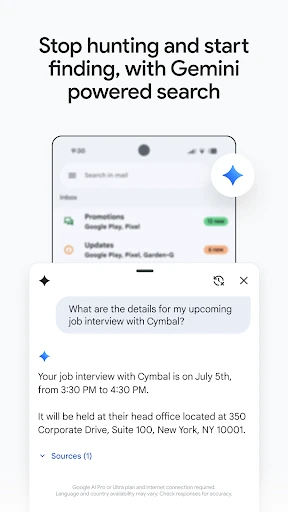
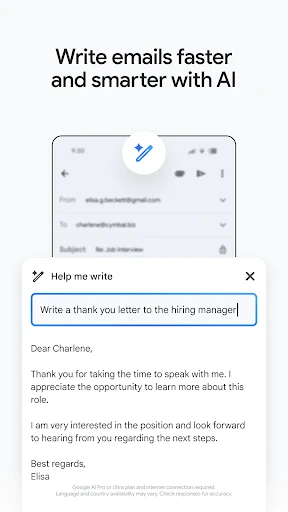
Click to download now, finish the installation quickly, and directly unlock the all-round experience
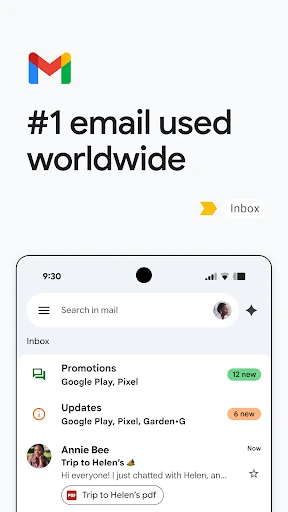
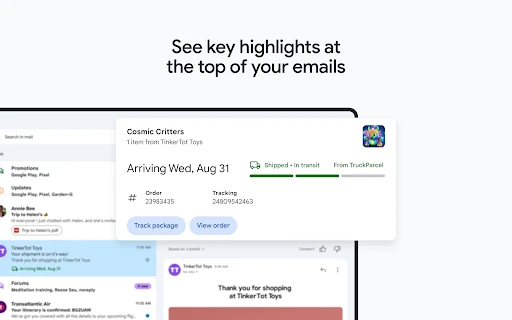
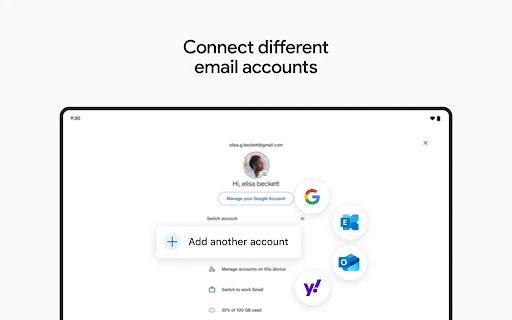
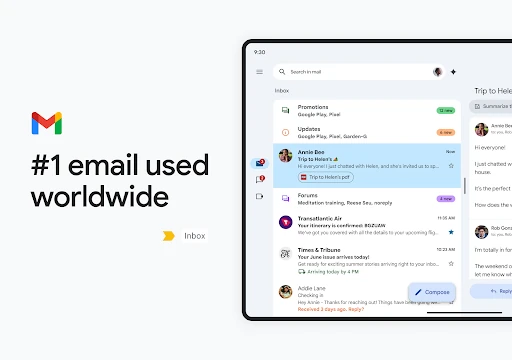
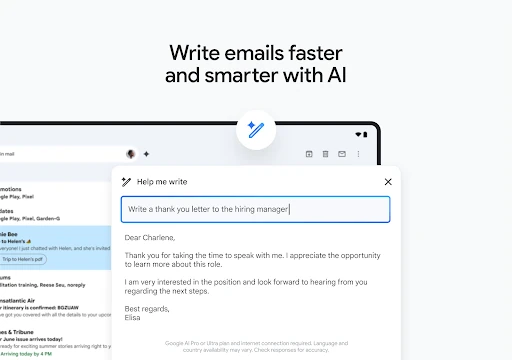
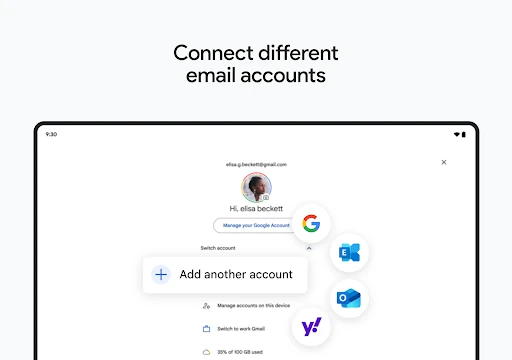
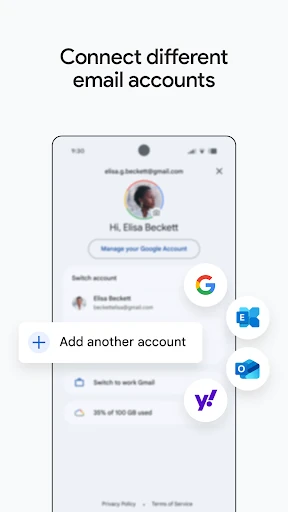
Gmail is Google’s email app for reading, sending and organizing messages on an Android phone. It suits people who use Gmail for personal or work correspondence, and anyone who wants their inbox and email search in one place. You can manage more than one email account in the app, including accounts from other providers.
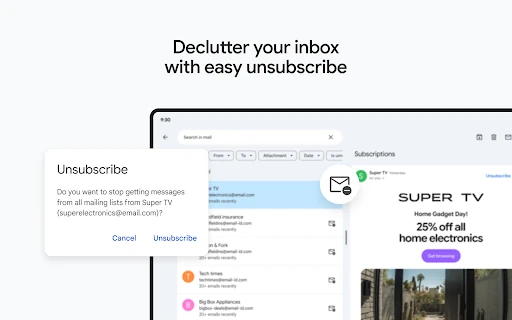
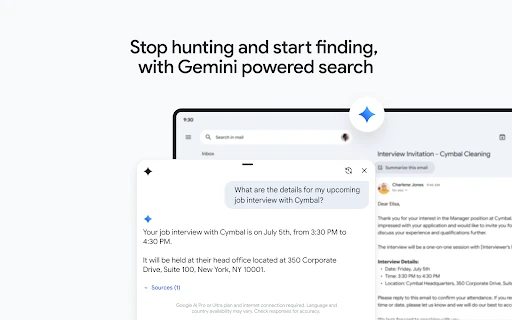
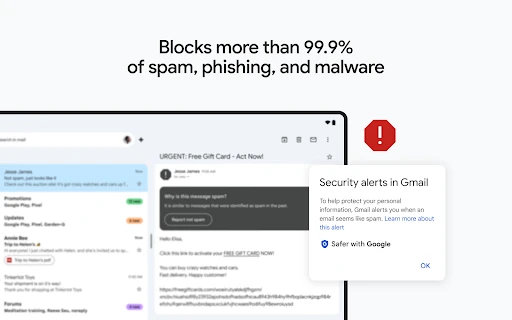
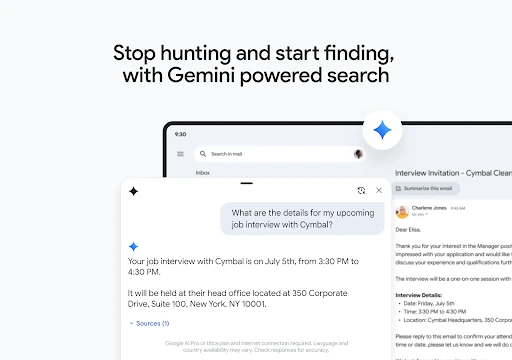
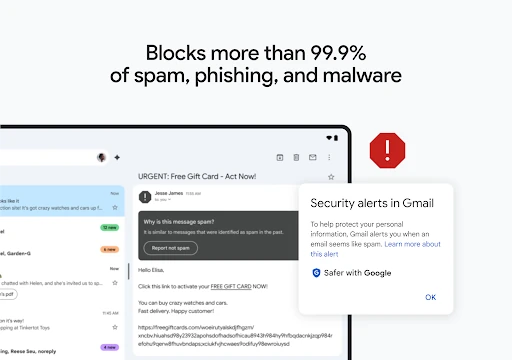
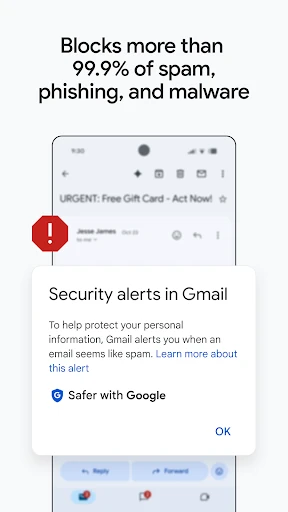
Search is a useful part of Gmail when you need to locate an older message, rather than scrolling through a long inbox. Messages are grouped into conversations, and common inbox actions include archiving and marking mail as read. Gmail also filters spam, helping separate unwanted mail from messages you may want to see.
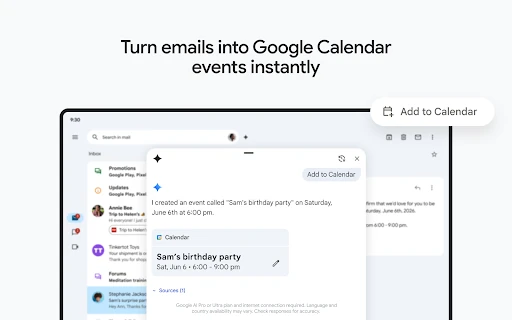
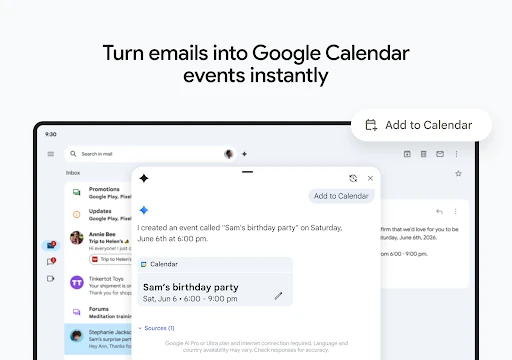
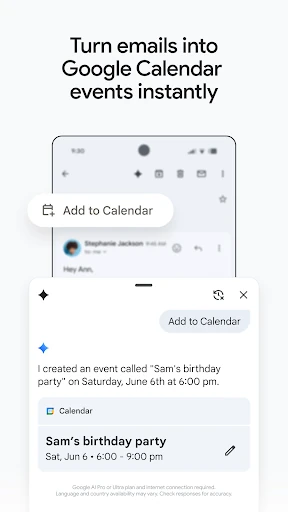
The app connects with other Google services. For people who already use Google tools, that can make it easier to move between email and related services without treating each account as a separate task. The core use remains straightforward: check incoming mail, reply, and keep messages organized.
Gmail is a practical choice for someone who checks email regularly, has a Google account, or needs to keep several inboxes accessible from a phone. Its search and conversation view are especially useful for people who receive ongoing threads or need to refer back to past correspondence. If you rarely use email, many of its inbox and account-management features may go unused.
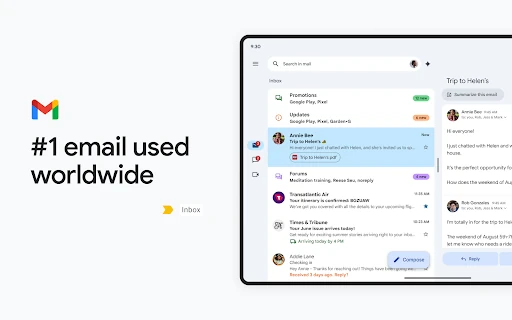
Those figures show Gmail’s exceptionally broad reach, while the rating offers a snapshot of user feedback rather than a guarantee that its interface will suit every inbox or workflow.