Advertisement
Click to download now, finish the installation quickly, and directly unlock the all-round experience
Advertisement
Screenshots
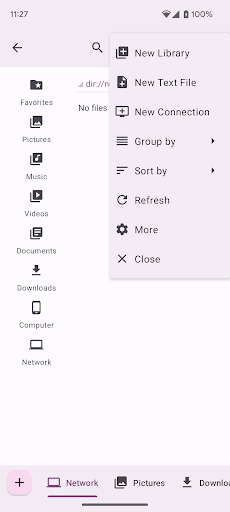
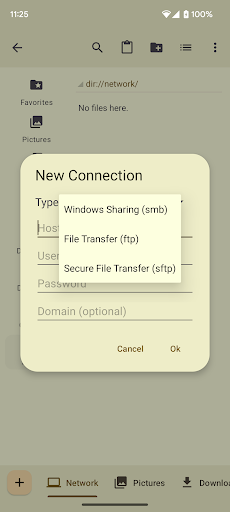
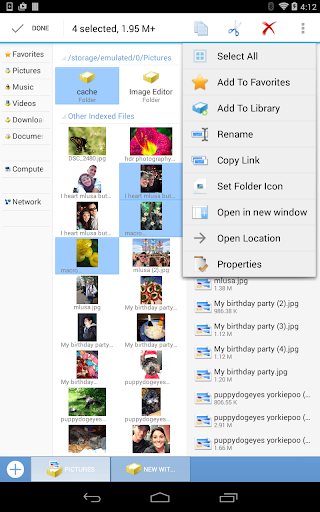
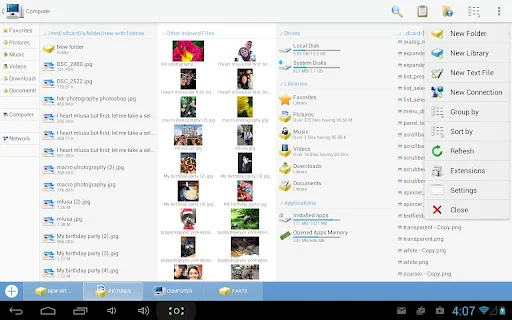
Click to download now, finish the installation quickly, and directly unlock the all-round experience
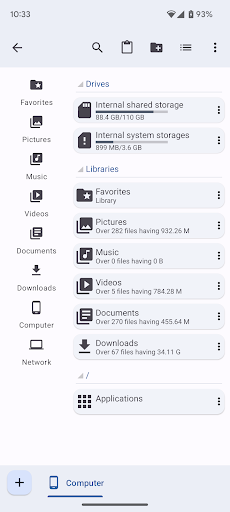
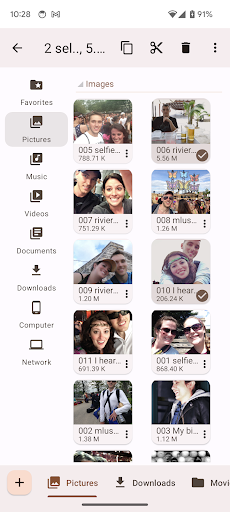
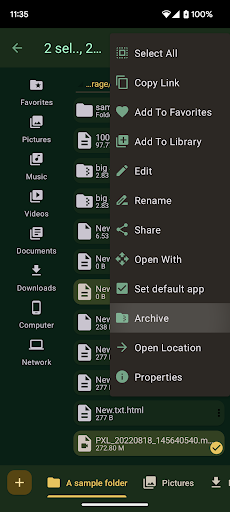
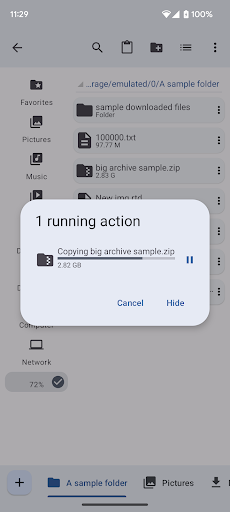
Computer File Explorer is a file manager for people who want to browse and organise files on an Android device, including across several folders at once. Its tabbed layout lets you keep multiple locations open while copying or moving documents, rather than repeatedly navigating back and forth. The familiar copy-and-paste approach may suit users who prefer a desktop-style way to manage files.
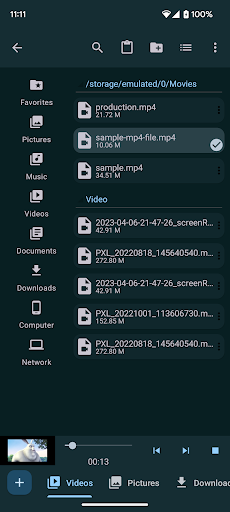
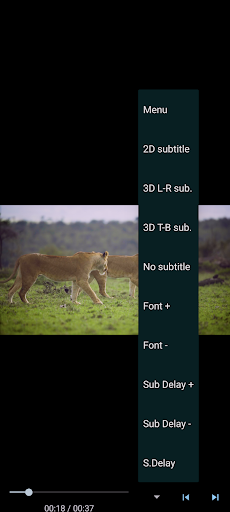
The app includes tools for common file tasks: it can open and extract ZIP archives, and view or play supported photos, music and videos. It also has an application manager for opening an installed app, uninstalling it or viewing its system management page. For shared files, it supports connections using SMB, FTP and SFTP, which may be useful when working with a PC or a network server.
Computer File Explorer is ad-supported. The supplied app information says ads do not appear while working and can be closed or temporarily turned off in Settings. That is worth weighing if you want a file manager with several built-in tools but prefer an uncluttered screen during file operations.
This is a practical choice for Android users who regularly sort documents, handle ZIP files, browse media or access folders over a network. Its range of functions may be more than needed if you only want a basic way to find a file. The listing shows a 4.4 rating from 86,480 reviews and more than 10 million installs, giving a sense of its established use. It is published by Byte Mobile in the Tools category.