Read the phone’s vital signs
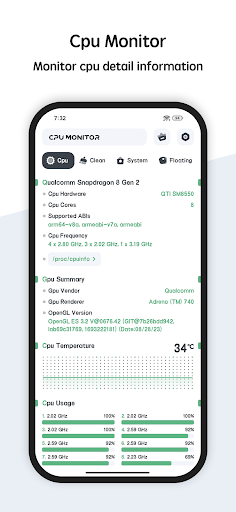
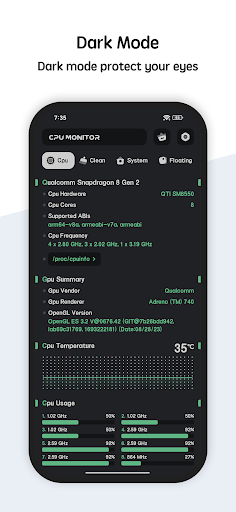
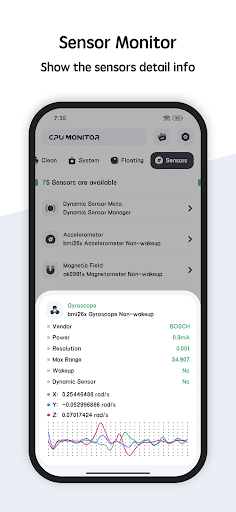
CPU Monitor - temperature displays processor temperature and frequency, alongside RAM and battery information. It is for Android users who want to check how their device is running, or look back at changes in processor temperature and speed over time. The app supports multicore processors, so it can show information across the device’s CPU cores.
More than temperature
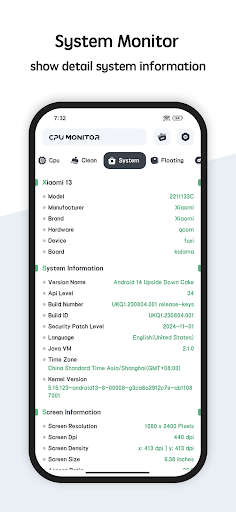
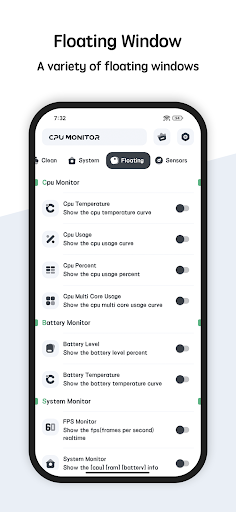
The app also collects device details in one place, including information about the processor, system, hardware and screen. A floating window can keep CPU temperature, battery temperature and RAM use visible in real time while you use other apps. That may suit someone who wants a quick glance without returning to the main screen; it also means the readings can remain on top of other content when the window is active.
Widgets and appearance
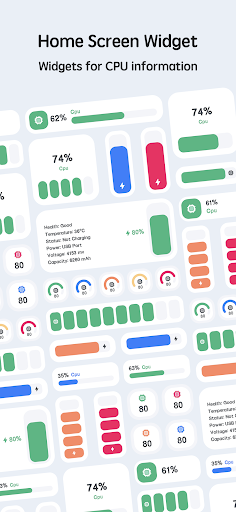
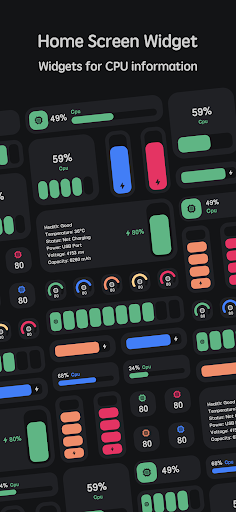
Home-screen widgets cover CPU, battery and RAM information. Several themes are available, so the display can be changed without changing what the app monitors. The main appeal is practical rather than analytical: it puts a set of device readings and hardware details together, with temperature and frequency history for users who want to compare readings over time.
Who it may suit
This is a focused tool for people who routinely check temperatures, processor activity or memory use, rather than a general-purpose device cleaner. It is published by System monitor tools lab - Cpu Ram Battery and has a 3.98 rating from about 34,600 reviews, with more than 5 million installs. Those figures suggest an established audience, though they do not say whether its readings or layout will suit every device.